study, calmly
Remember what you learn.
Saku is a flashcard app built on spaced repetition. It shows you each card at the moment you are about to forget it, so a few minutes a day is enough to keep everything you have learned.
- Offline first
- FSRS scheduling
- AI card making
- Audio and Walk mode
Saku is in final testing. Store links go live at launch.
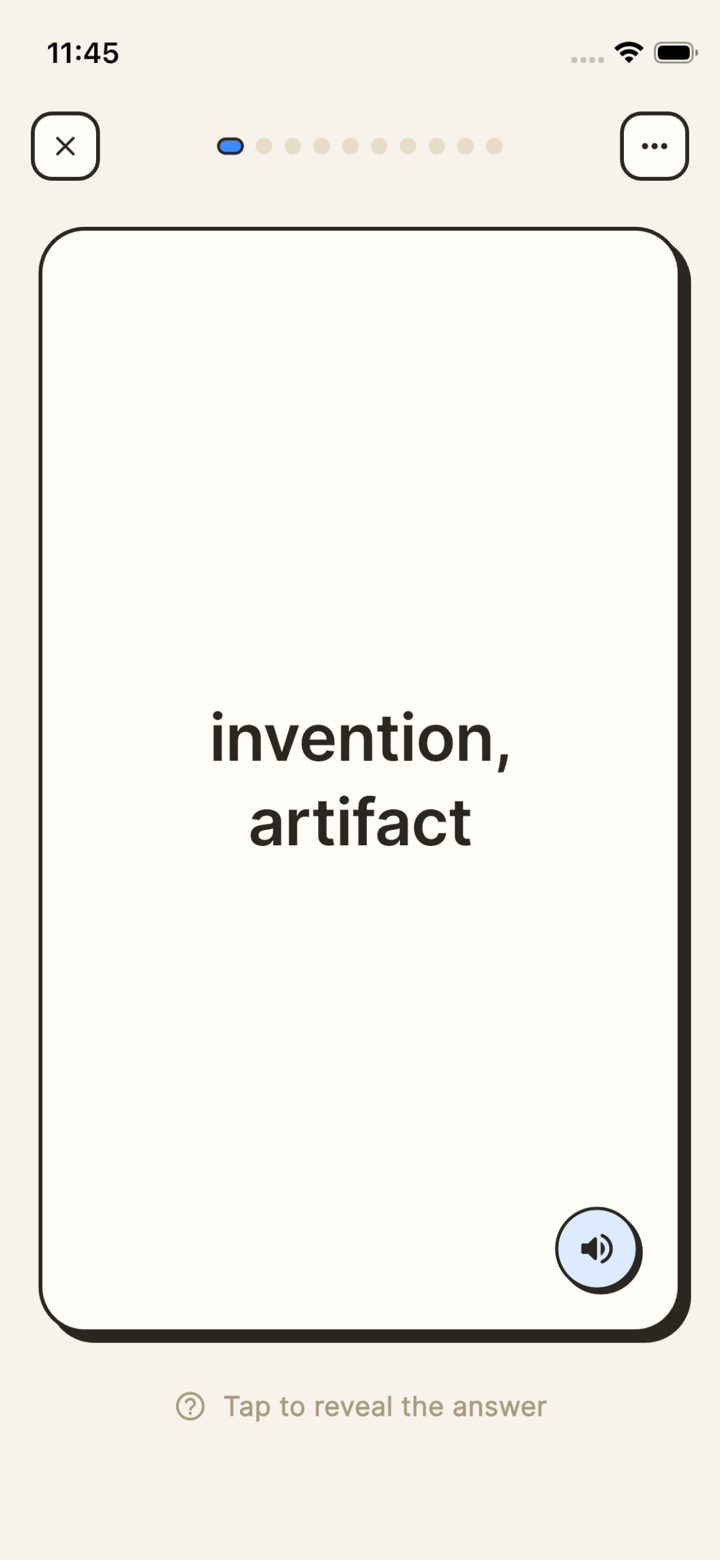
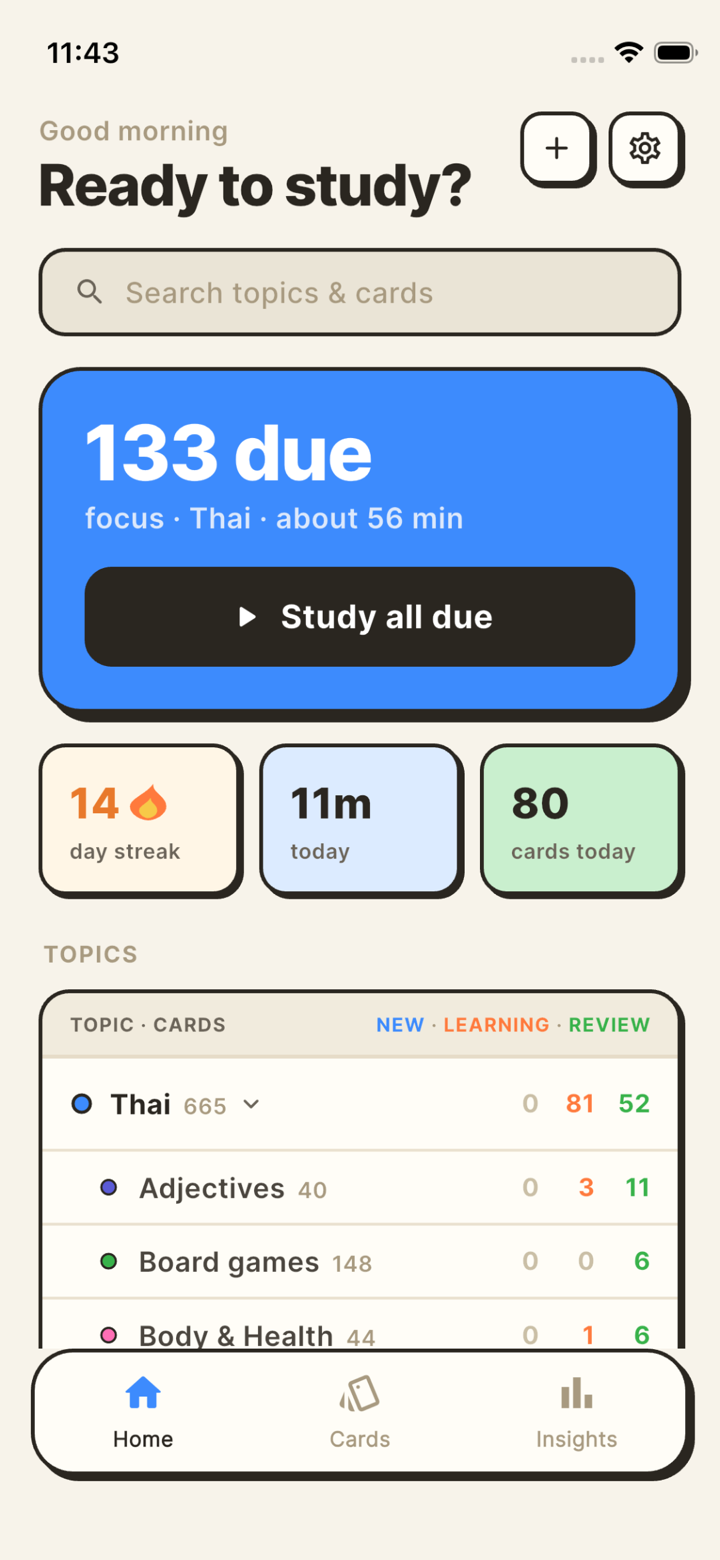
Everything you need to actually finish a deck.
Saku keeps the studying free and the scheduling honest. The extras save you the boring part, which is typing cards out.
Offline first, scheduled by FSRS.
Every card, review and stat lives on your device. Study on a plane, on the metro or with no signal at all, then sync when you are back. The scheduler is FSRS, the modern spaced-repetition algorithm, so intervals adapt to how you actually answer.
- Swipe the card to grade it. Again, Hard, Good, Easy.
- Flags and filters for the cards you keep tripping over.
- Study a single deck or a whole topic tree at once.
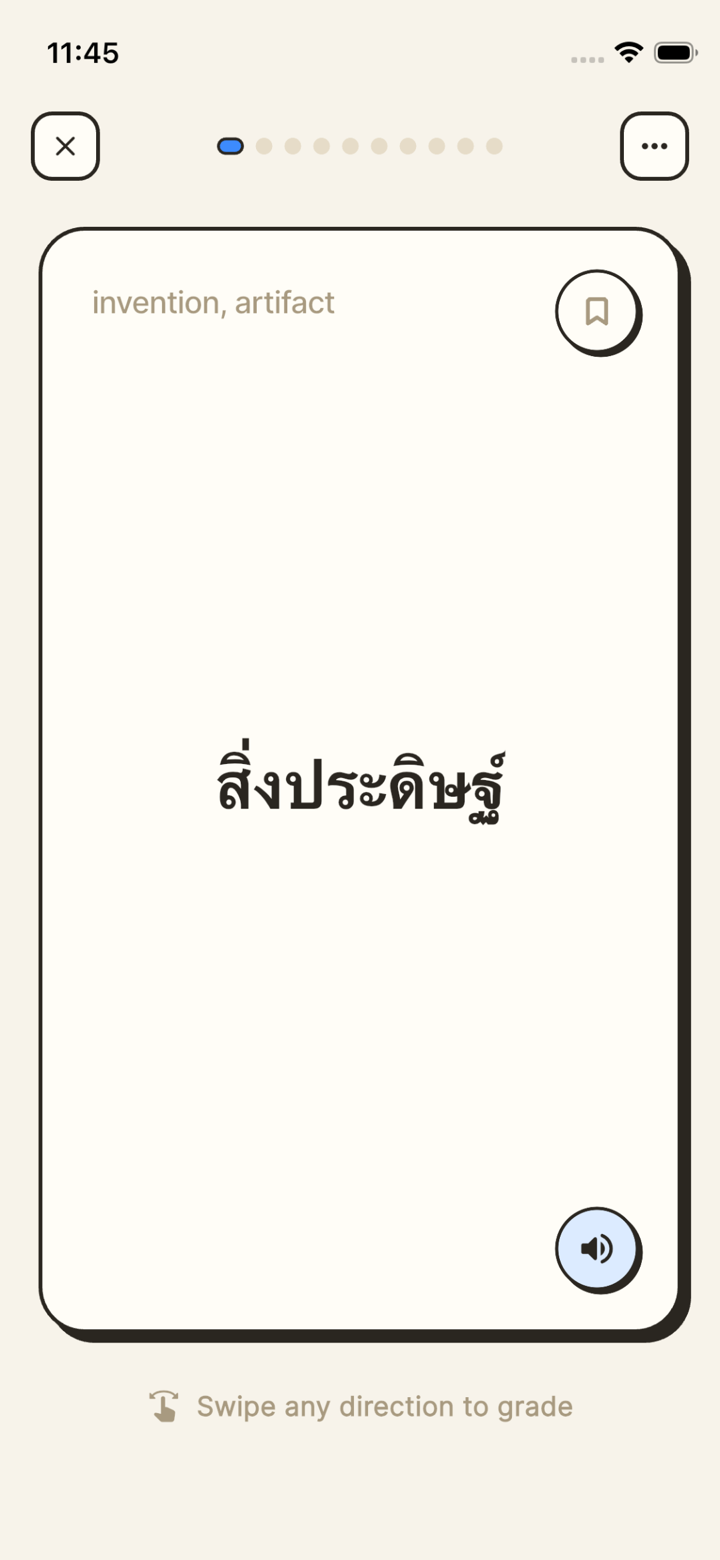
Turn your material into cards in seconds.
Paste your notes, an article or a vocabulary list. Saku drafts the cards, you keep the good ones. Every card stays editable, so nothing lands in your library that you have not looked at.
- Basic and cloze cards, notes and images.
- Guides teach Saku your preferred card style.
- Free: create 100 AI cards to start. Premium: 1000 a month.
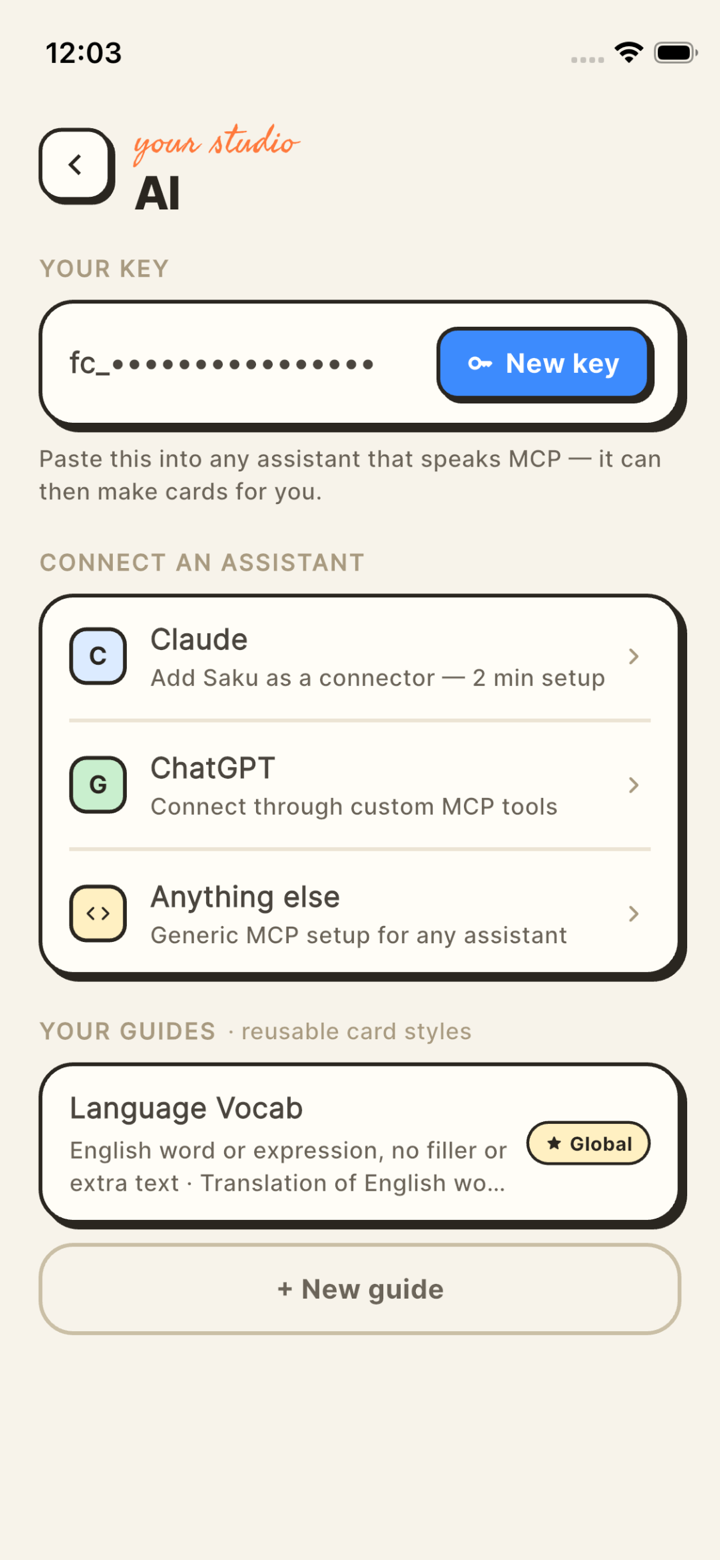
Audio on every card, and a Walk mode for the road.
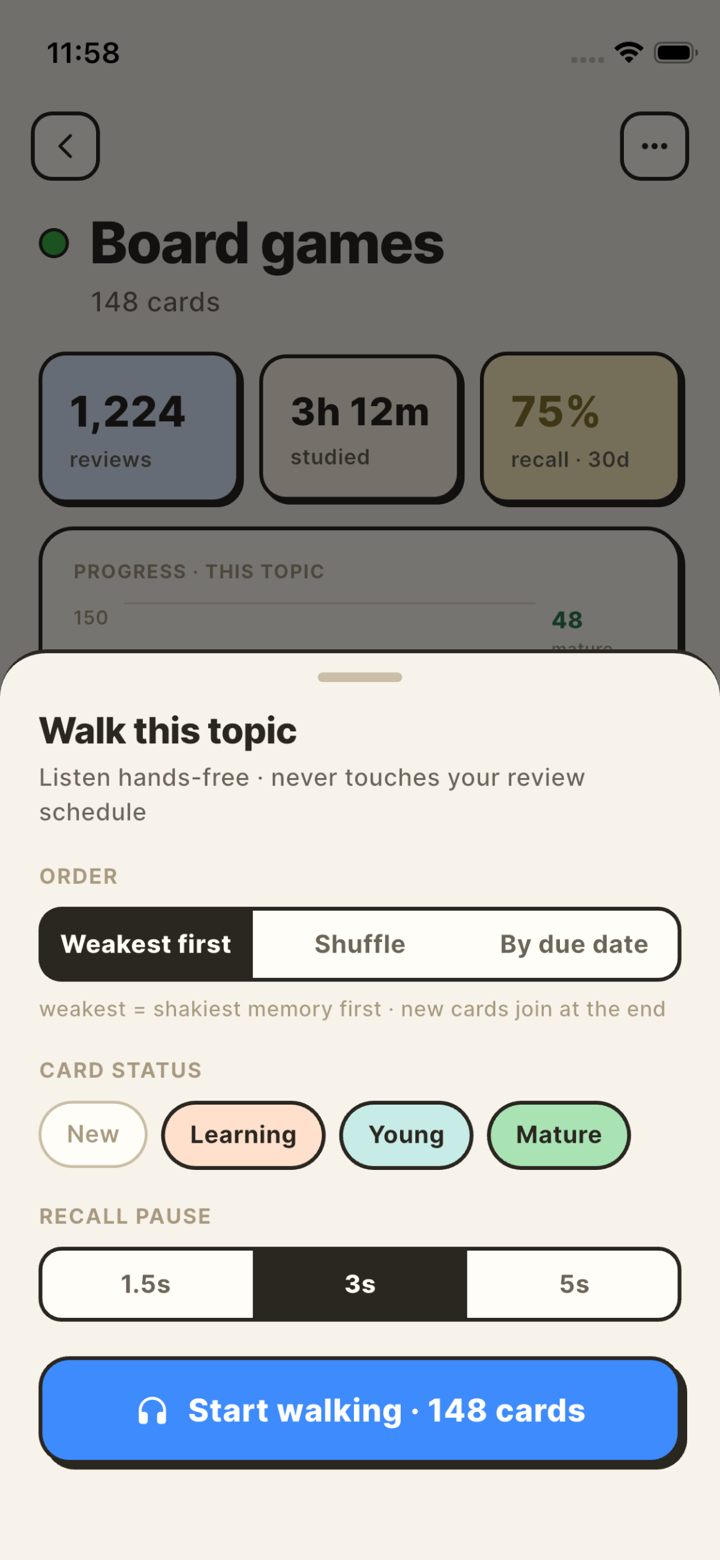
Cards with a language set get real spoken audio. Walk mode reads a session out loud and paces itself, so you can review vocabulary on a walk, a commute or a run without touching the screen.
- Natural voices per language, front and back.
- Pick a topic, set the pace, put the phone away.
- Audio is cached, so it works offline too.
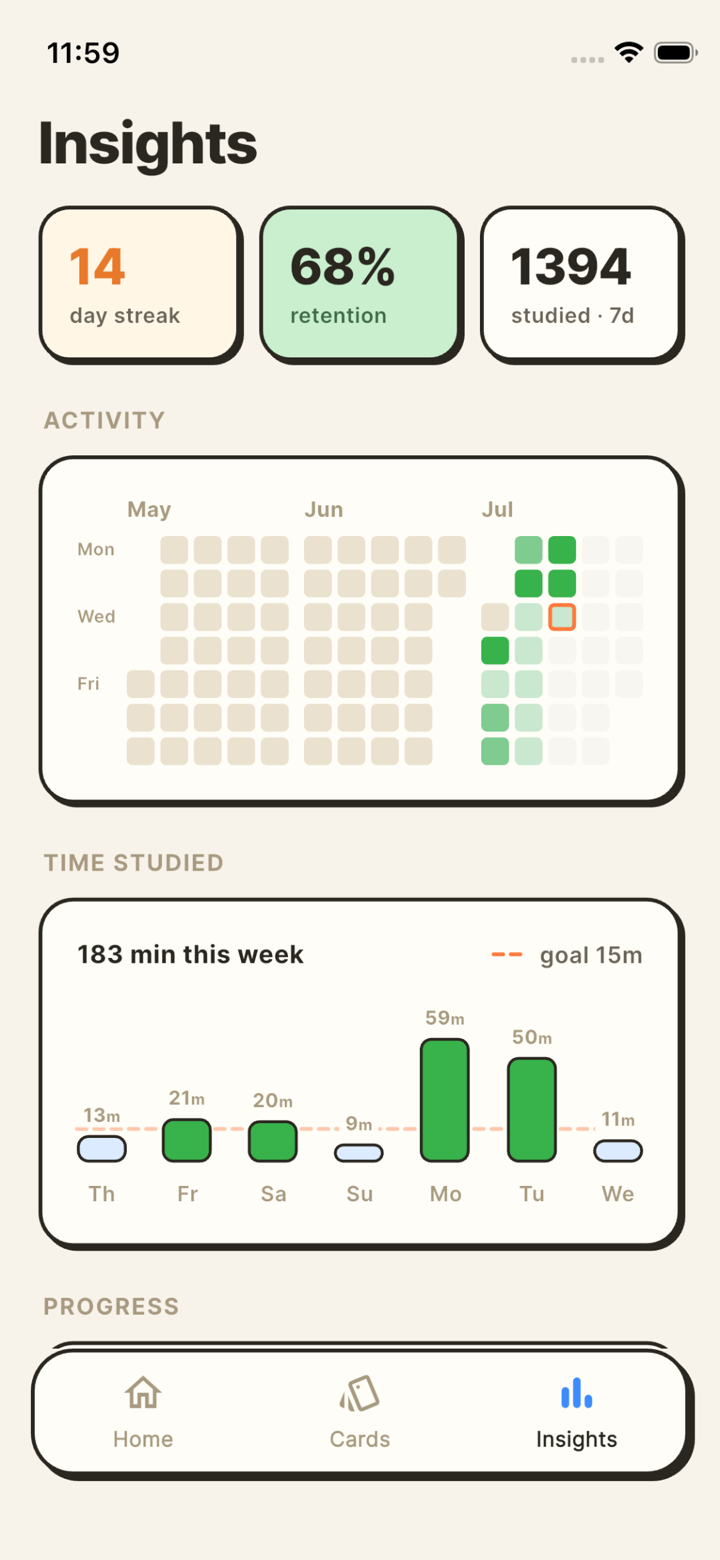
See the streak without opening the app.
Home-screen widgets show what is due, your streak and how the week went. Tap one to drop straight into a session. Inside the app, Insights breaks down retention, workload and which topics are slipping.
- Native Android home-screen widgets.
- Tap a widget to start studying immediately.
- Retention, forecast and per-topic mastery.
Make cards from inside Claude or ChatGPT.
Saku ships an MCP connector. Add https://api.saku.cards/mcp to your assistant and it can create cards, organise your decks and report on your progress while you are still in the conversation that taught you the thing.